For exhibitions & events

Meet people at the event.
Stay connected after it.

ContactLink keeps your name card, brochure and event conversations in one app. Visitors save what you share in one tap.

ContactLink name card screen
What's new

Three ways ContactLink helps you network

Made for exhibitors, visitors and everyone in between.

1

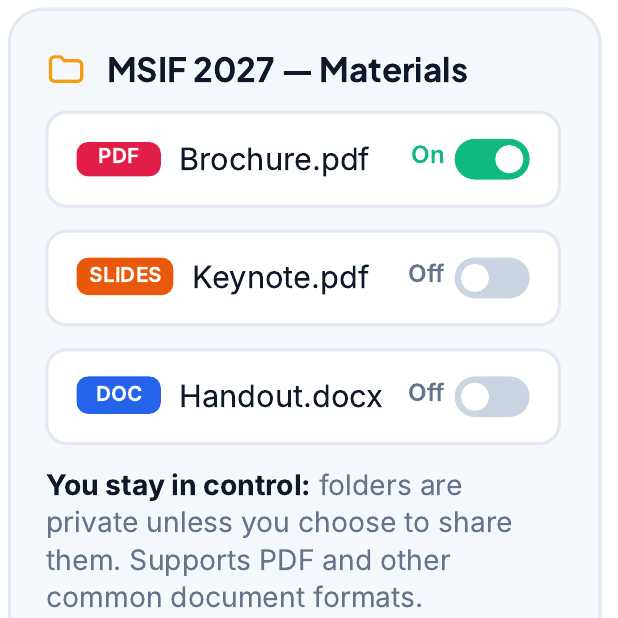
Name card + brochure, saved by visitors

Share your digital name card and your company brochure together. Visitors scan your QR code and save both to their phone in one tap. No paper, no lost cards.

  • One QR code for your card and brochure
  • Visitors keep them in their ContactLink folder
  • Update your brochure any time. Everyone sees the latest version.
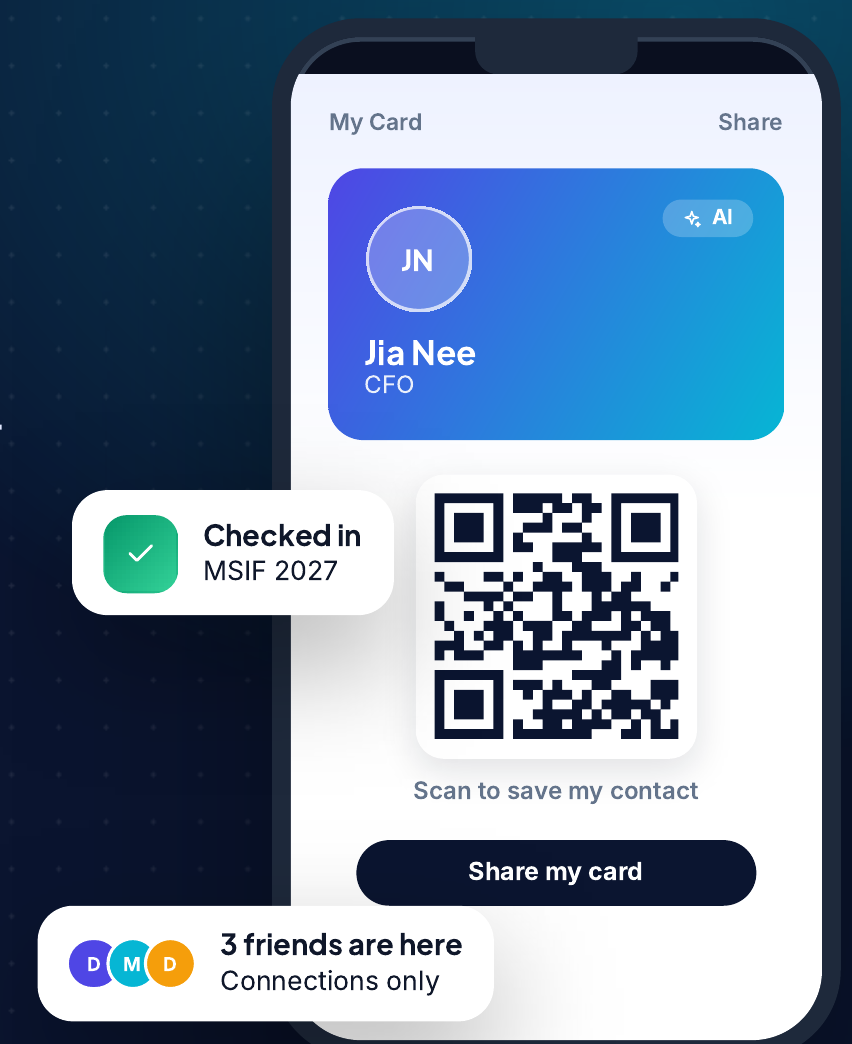
ContactLink My Card screen with a digital name card and a QR code to save the contact Event materials folder with the brochure saved
2

Discover posts: introduce people to each other

Post what you are looking for, or introduce a contact who can help. Discover posts are open to all ContactLink users, so a good introduction reaches the right person.

  • Refer a contact to someone who needs them
  • Every user can see and reply to Discover posts
  • Turn one meeting into many new connections
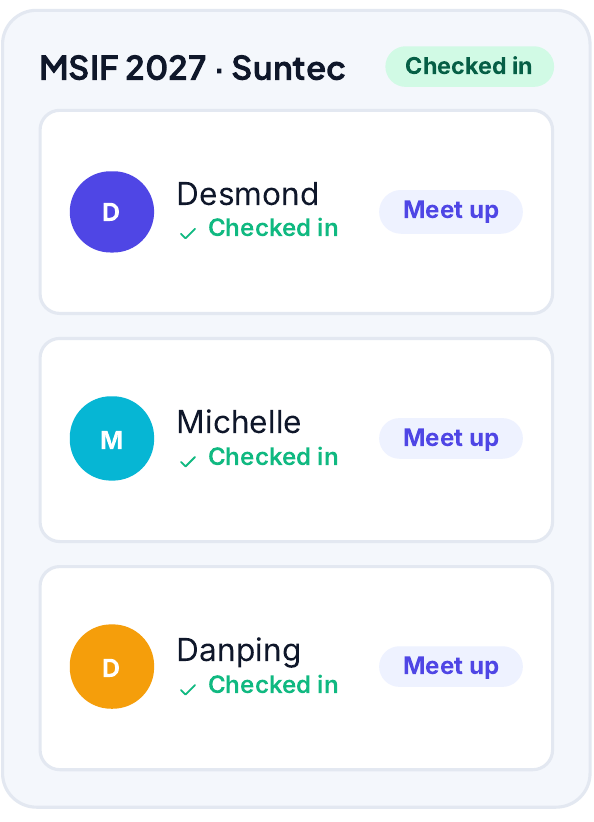
List of connections checked in at MSIF 2027 with Meet up buttons
3

Event chat stays open 3 days after the exhibition

Every event has its own group chat. Keep talking with people you met, share follow-ups, and arrange meetings. The chat stays open until 3 days after the exhibition ends.

  • One chat for everyone who checked in
  • Follow up while the event is still fresh
  • Closes automatically 3 days after the last day
Exhibition+3 days
Chat opensExhibition endsChat closes
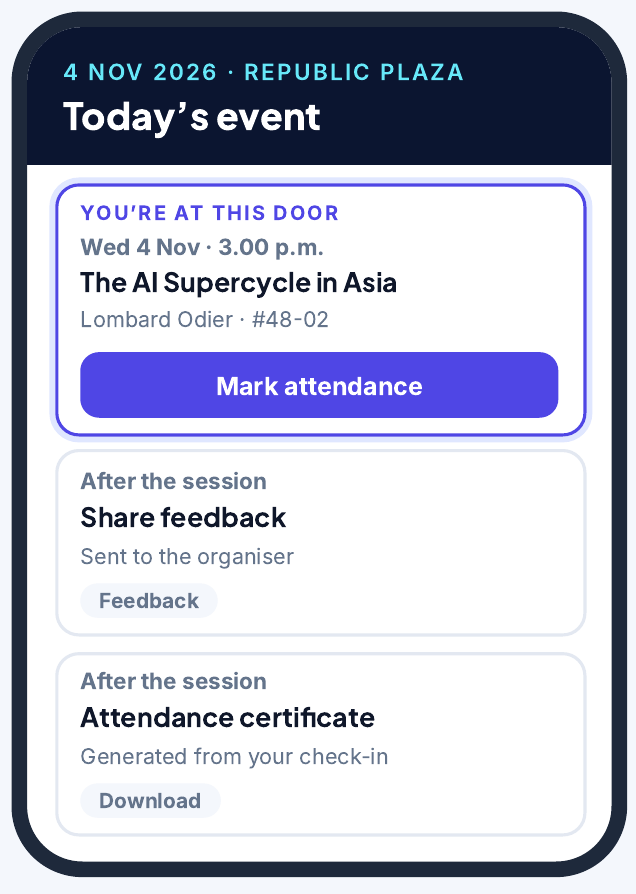
Today's event screen showing the event and after-session actions

Get started in 3 steps

  1. 1Install ContactLinkGet the app on your iPhone or iPad.
  2. 2Check in at the eventScan the event QR code at the door.
  3. 3Save, introduce, chatCollect cards and brochures, post on Discover and join the event chat.

Ready to network smarter?

Bring ContactLink to your next exhibition. Talk to us to get started, or visit the Help Centre to learn more.